Eduframe Accessibility
Accessibility Statement
Drieam is committed to making Eduframe inclusive and accessible to users who may have disabilities or other accessibility needs. Whether someone is exploring a course, completing a signup, or managing their enrollment, we want every step of that process to be equally accessible.
Eduframe is evaluated against accessibility standards under:
- Section 508 of the Rehabilitation Act,
- Harmonized European Standard EN 301 549 V3.2.1 (2021-03), and
- World Wide Web Consortium’s Web Content Accessibility Guidelines (WCAG) 2.2 level AA.
This statement covers the student portal, business portal, and signup form interface of Eduframe.
The following are some of the specific accessibility features of Eduframe:
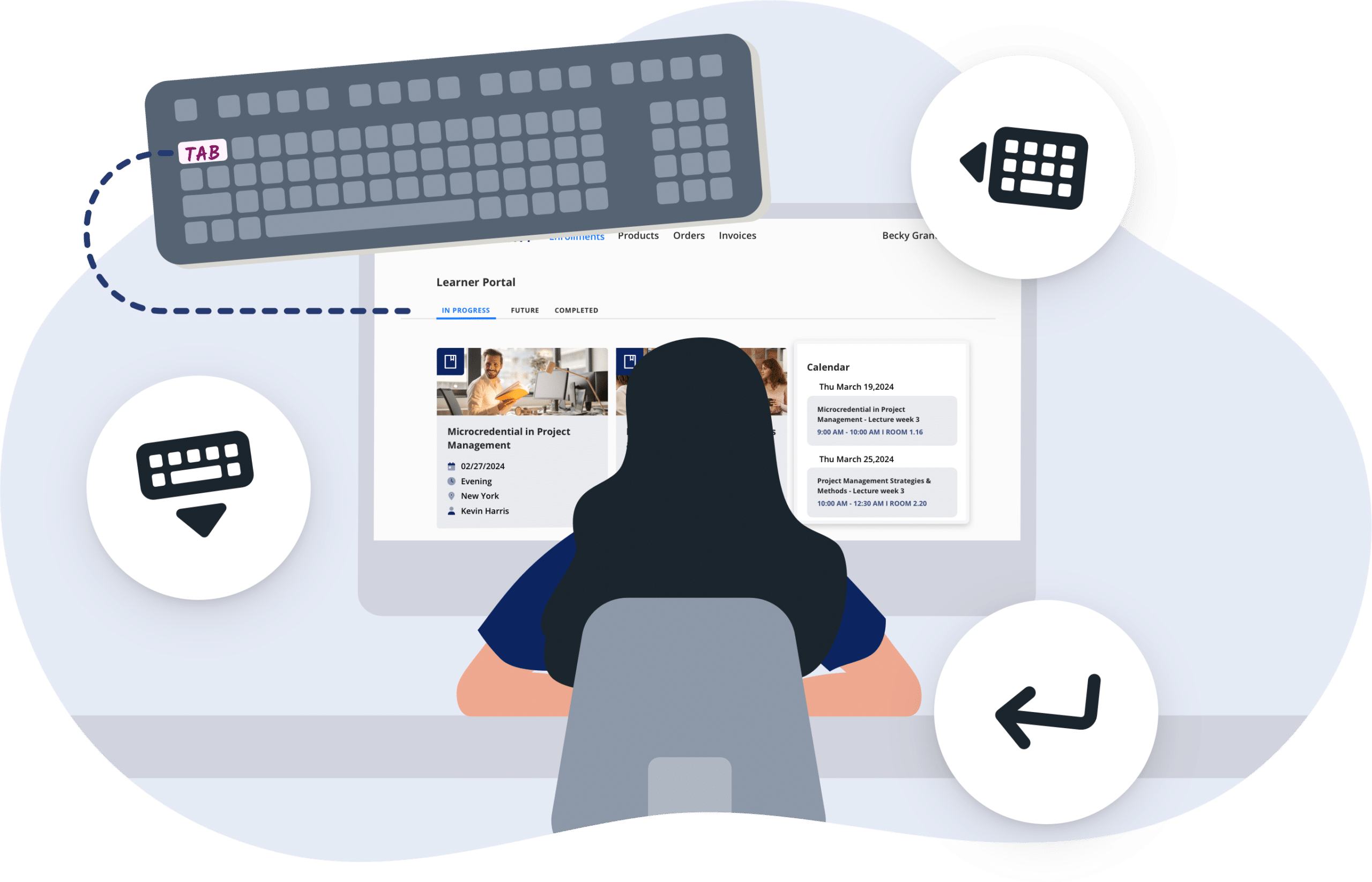
- Accessible menus and navigation: Menus and navigation elements, including skip links and landmarks, are accessible to keyboard users and screen readers, making it easier to move through the product without a mouse.
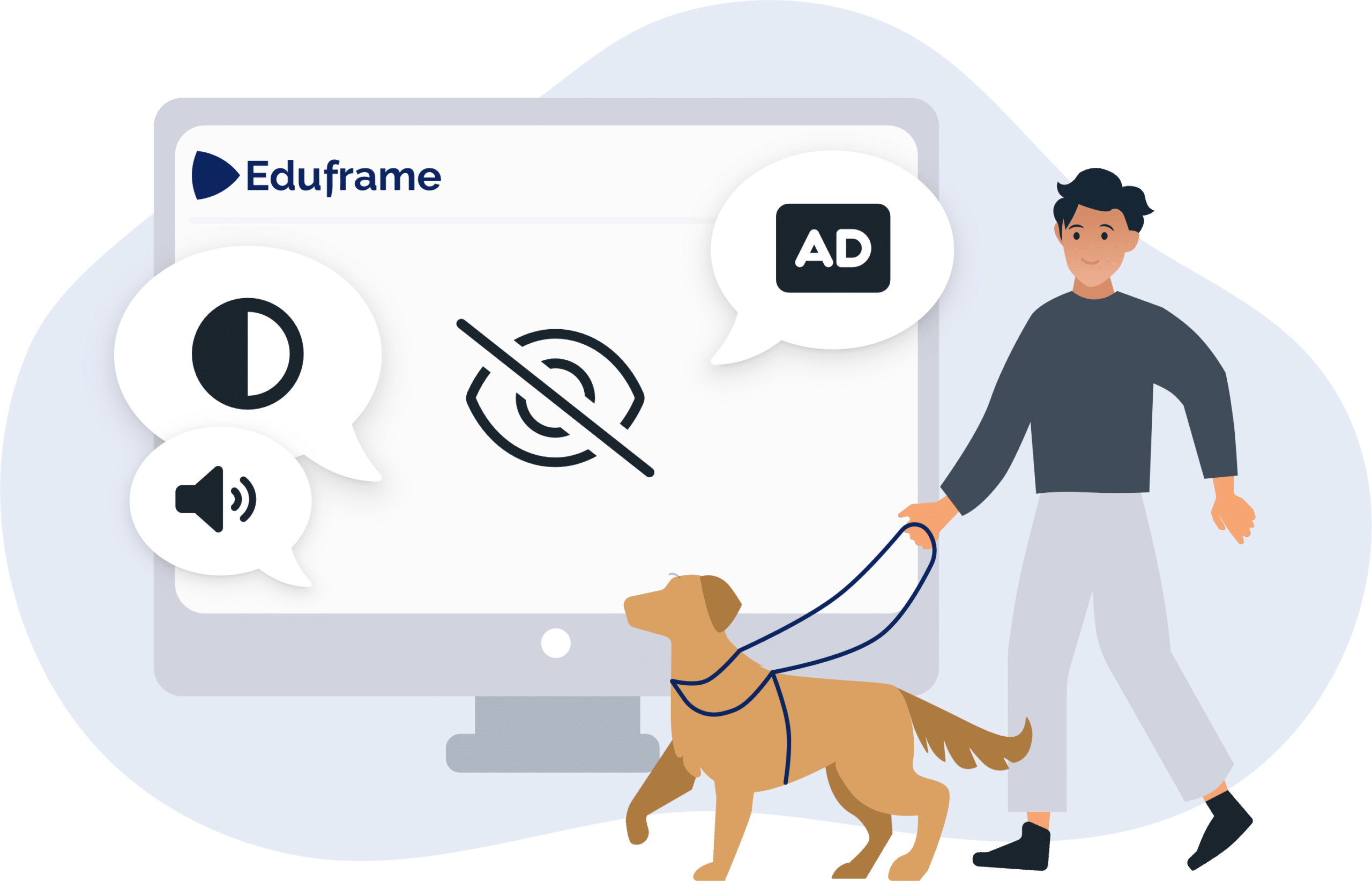
- High-contrast text and interface elements: Text and interface elements meet WCAG contrast requirements by default. Institutions can apply their own branding colors; in that case, the institution’s administrator is responsible for ensuring those custom colors remain accessible.
- Adjustable font size: Text can be resized up to 200% without loss of content or functionality, which helps users with visual impairments or reading difficulties.
- Screen reader compatibility: Eduframe works with common screen readers, so people who are blind or visually impaired can access the content. We continue to invest in further optimizing this experience.
- Keyboard navigation: Eduframe can be operated entirely by keyboard, without keyboard traps, so people who cannot use a mouse can still complete their tasks.
We are committed to continuously improving the accessibility of Eduframe. If you have feedback, or would like a copy of our full accessibility conformance report, please contact us at support@drieam.com.
Eduframe is evaluated against WCAG 2.2 Level A and AA accessibility standards
Blind or Low Vision
Deaf or Hard of Hearing
Keyboard Control
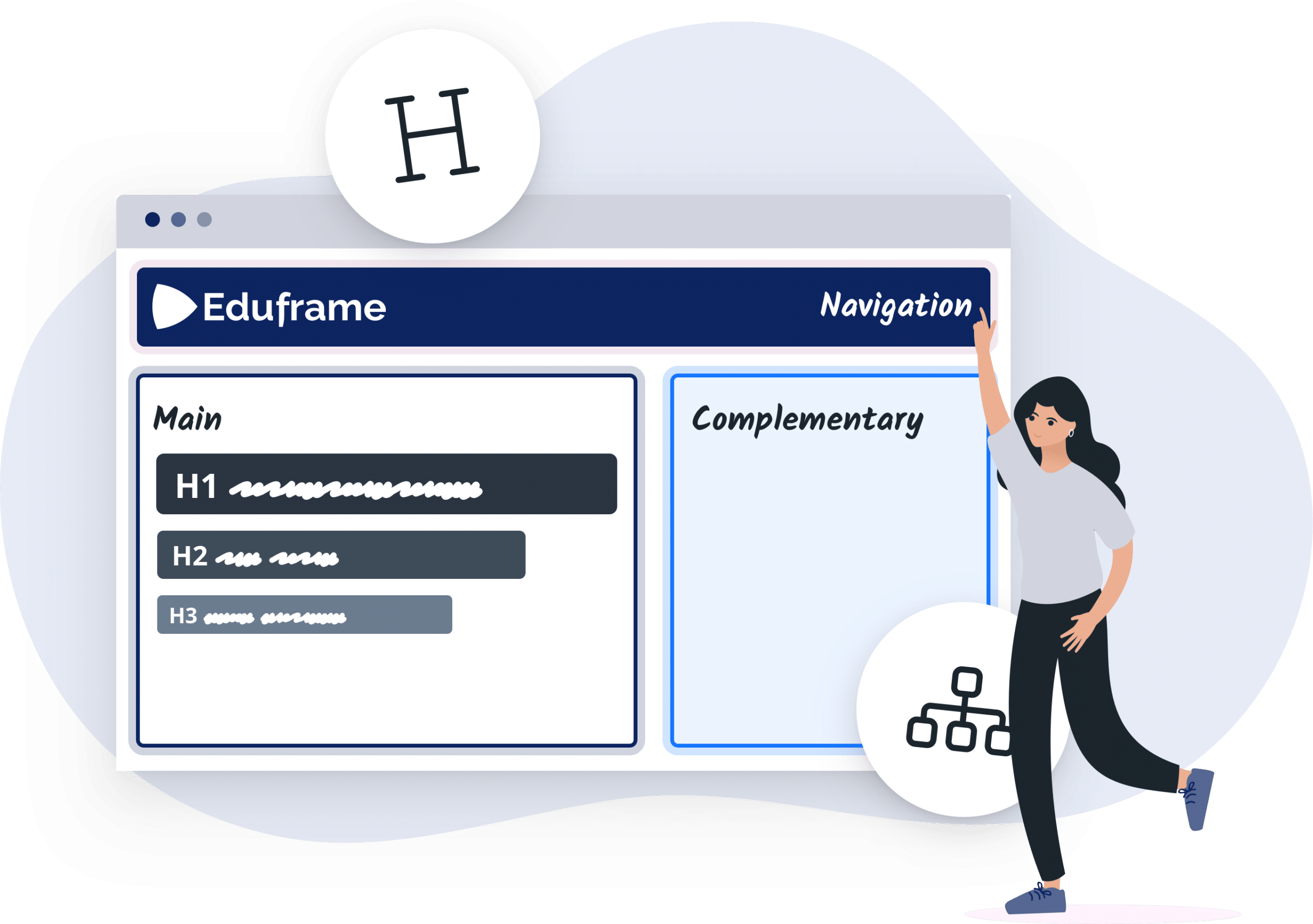
Structure & Hierarchy

Eduframe Accessibility Conformance Report
Based on VPAT Version 2.5Rev INT
You can download Eduframe’s Accessibility Conformance Report in which Drieam reports on the conformance levels of international accessibility guidelines and standards. This Voluntary Product Accessibility Template, or VPAT, is a tool that administrators and decision-makers can use to evaluate Eduframe’s conformance with these standards. Reporting conformance means that we indicate whether we support or partially support each WCAG criterion (where applicable to our offering) and we state exceptions against the criteria that we support partially, indicating workarounds where available.
Eduframe Resources Menu